


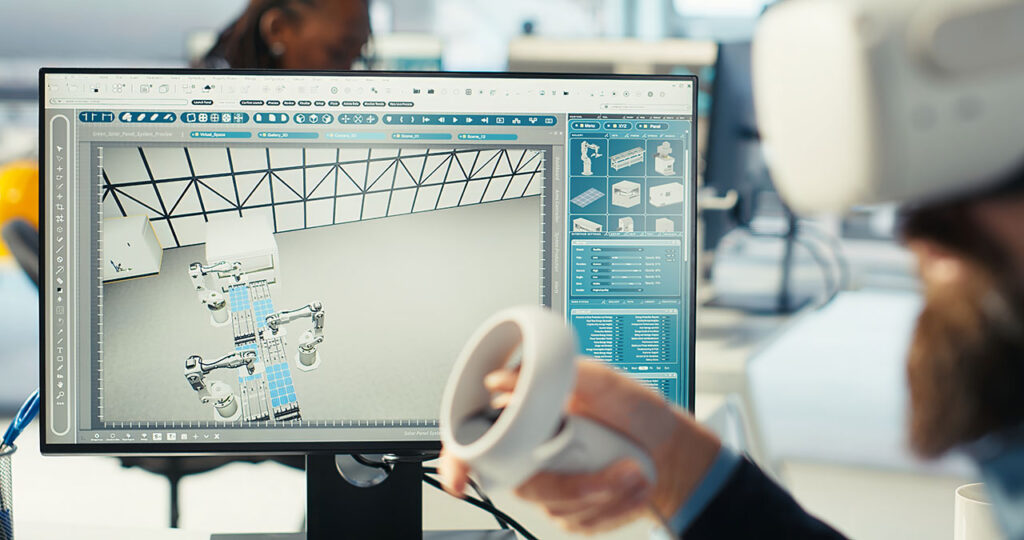
In today’s rapidly evolving architectural landscape, the integration of parametric modeling with Building Information Modeling (BIM) has transformed how buildings are conceived, designed, analyzed, and constructed. Among the most powerful workflows in this domain is the combination of Rhino, Grasshopper, and BIM platforms—a trio that merges freeform modeling, computational design, and intelligent data-driven systems into a seamless design pipeline.
This article explores how these tools unify to create a new era of intelligent architecture and design.
1. Why Combine Rhino, Grasshopper, and BIM?
Rhino is known for its ability to model complex geometries with high precision. Grasshopper, its visual programming plug-in, introduces advanced parametric control that allows designers to generate, manipulate, and optimize geometry algorithmically. BIM platforms like Revit, Archicad, and Tekla support data-rich architectural documentation and coordination.
By connecting these systems, architects gain:
The freedom of advanced form-making
The intelligence of data-driven modeling
The practicality of BIM-compatible outputs
The efficiency of automated workflows
This combination creates a flexible yet structured workflow from concept to construction.
2. The Role of Rhino in Design Exploration
Rhino serves as the core surface and mesh modeling environment. Its strengths include:
Freeform NURBS modeling
Rapid conceptual prototyping
Precision detailing
High compatibility with industry formats
Rhino enables designers to explore shapes that would be difficult—or impossible—to create in traditional CAD or BIM environments.
3. Grasshopper: The Heart of Parametric Intelligence
Grasshopper enhances Rhino by introducing parametric and generative design capabilities through node-based visual scripting.
Key benefits include:
✔ Algorithmic design control
✔ Fast iteration of complex geometry
✔ Real-time responsiveness to design changes
✔ Integration with analysis plug-ins (energy, structure, daylight)
✔ Custom automation through Python/C#/plugins
Grasshopper acts as the “memory” and “logic engine” of the design process, ensuring geometry is both flexible and data-driven.
4. BIM as the Data Backbone
While Rhino and Grasshopper excel in form-making and design flexibility, BIM platforms bring:
Intelligent object data
Construction documentation
Clash detection
Quantification
Coordination among disciplines
Through BIM, parametric geometry becomes an actionable, buildable model.
5. Key Tools for Rhino–Grasshopper–BIM Integration
Several technologies bridge the gap between parametric modeling and BIM:
● Rhino.Inside (Revit + Rhino + Grasshopper)
A groundbreaking tool that lets Rhino and Grasshopper run inside Revit.
This enables:
Direct placement of Grasshopper geometry into Revit categories
Bidirectional data exchange
Real-time changes between models
Automated creation of walls, floors, roofs, families, and structural elements
● Grasshopper Components for BIM Platforms
Many BIM tools now include native Grasshopper nodes for deeper integration.
● Speckle
A cloud-based platform enabling data interoperability and version tracking between Rhino, Revit, Archicad, Blender, and more.
● VisualARQ
A Rhino-based BIM extension providing architectural objects and documentation directly within the Rhino environment.
These tools empower parametric workflows to become fully coordinated BIM-ready systems.
6. Advantages of a Parametric BIM Workflow
6.1. Faster Design Iteration
Changing a single parameter updates the entire model instantly in Grasshopper, and through Rhino.Inside, updates the BIM database as well.
6.2. Enhanced Accuracy and Consistency
Parametric rules reduce human error and ensure alignment across design stages.
6.3. Complex Geometry Made Realistic
Organic, curvilinear, façade-responsive, and structural forms become easier to fabricate through parametric logic.
6.4. Design + Analysis Integration
Seamless connection to plugins for:
Solar analysis
Energy modeling
Structural optimization
CFD simulations
6.5. Streamlined Documentation
Once the geometry reaches the BIM environment, construction drawings update automatically.
7. Examples of Applications
Responsive façades with adjustable shading elements
Generative massing studies
Structural grids optimized via evolutionary solvers
Complex roof systems or shells
Algorithmic brick or panel patterns
Automated assembly modeling for prefabrication
Leading global firms are adopting these workflows to reduce costs, increase design quality, and push architectural boundaries.
Conclusion: How Ribo Architecture Studio Embraces Parametric + BIM Integration
At Ribo Architecture Studio, the integration of Rhino, Grasshopper, and BIM is not simply a method—it is part of our design philosophy. We believe that intelligent architecture emerges from the union of creativity, computation, and data.
Ribo Studio applies this workflow to:
Develop innovative architectural forms
Optimize materials and structural performance
Integrate sustainability metrics into early design
Ensure seamless coordination from concept to construction
Deliver highly accurate BIM documentation powered by parametric logic
For us, the future of architecture lies in adaptive, algorithmic, and data-rich design, and we continue to expand our capabilities using the latest computational and BIM technologies to deliver forward-thinking solutions.
No comments yet.